The app
A place for every part of the outing.
Move between Map, Bird ID, Scout, Hunt, Harvest, and More from the home menu. Here is how those parts fit together.
Screenshots from the current Android testing build. Select a screenshot to see it larger.
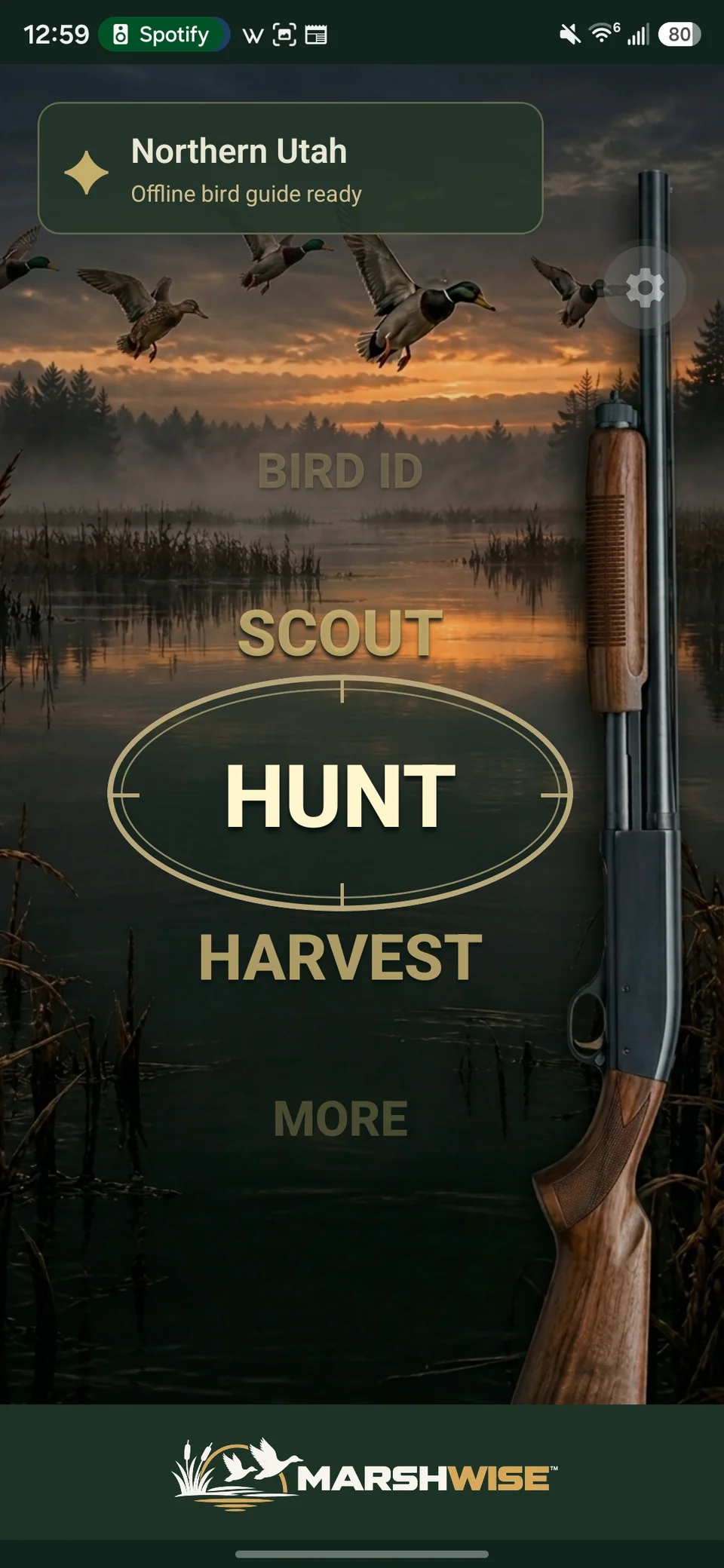
Home
Start with what you’re doing.
The home menu puts Map, Bird ID, Scout, Hunt, Harvest, and More within reach. Choose a section to open the tools for that part of your outing.
Return to Home from the bottom navigation when you want to change activities.
Keep your places together.
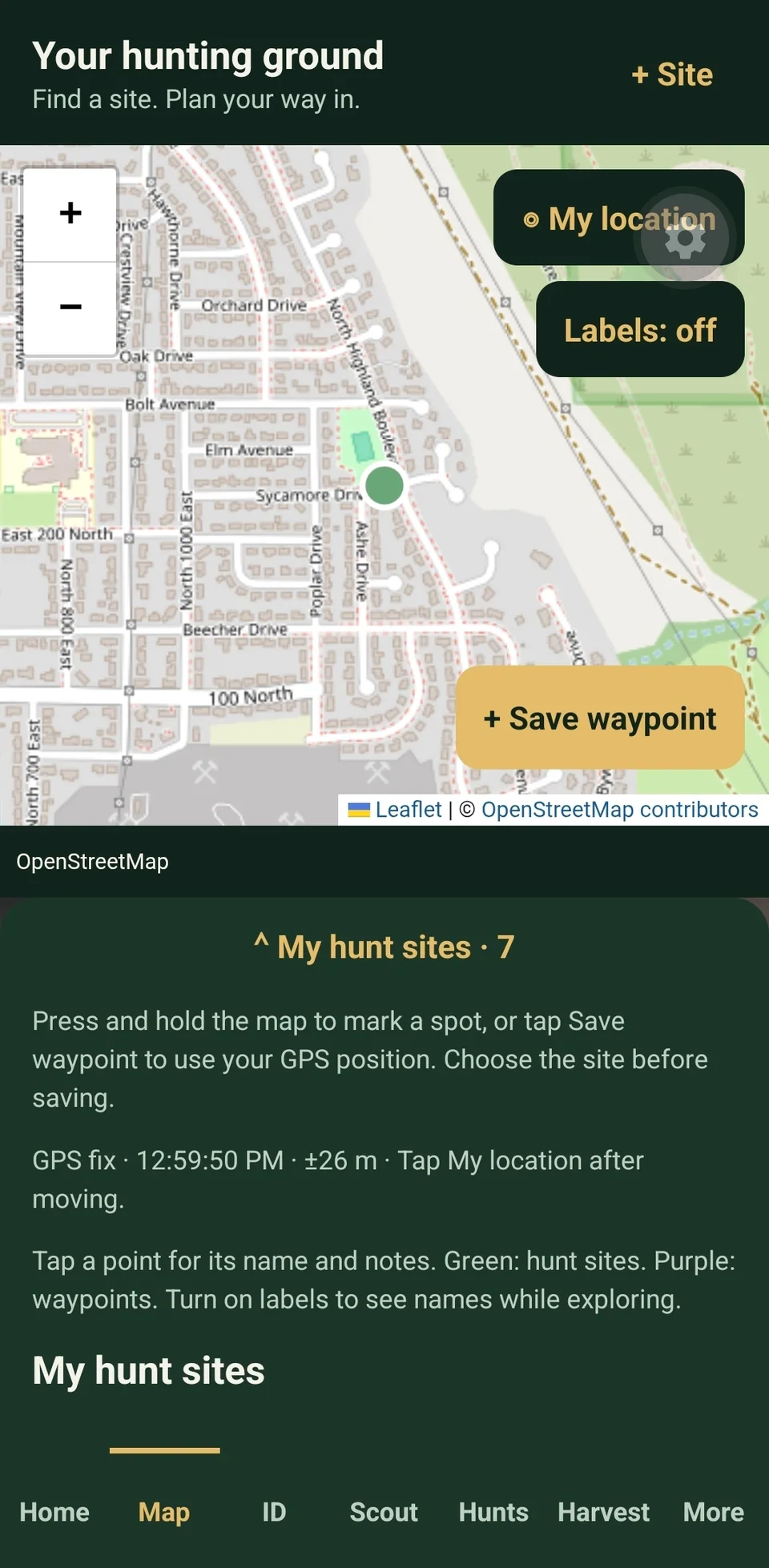
Save hunt sites, add waypoints, and return to locations you have recorded. Select a site to see its details or open navigation in a supported maps app.
Use + Site to name a place and save its coordinates.
New map imagery needs a connection. Offline map downloads are not available.
Record what you see.
Choose a hunt site, note bird activity, and add species, an approximate count, or notes. Scout visits remain separate from your hunts.
Choose a site, enter Bird activity, then tap Save scout visit.
Save a scouting waypoint to mark a point you want to return to.
Keep one outing together.
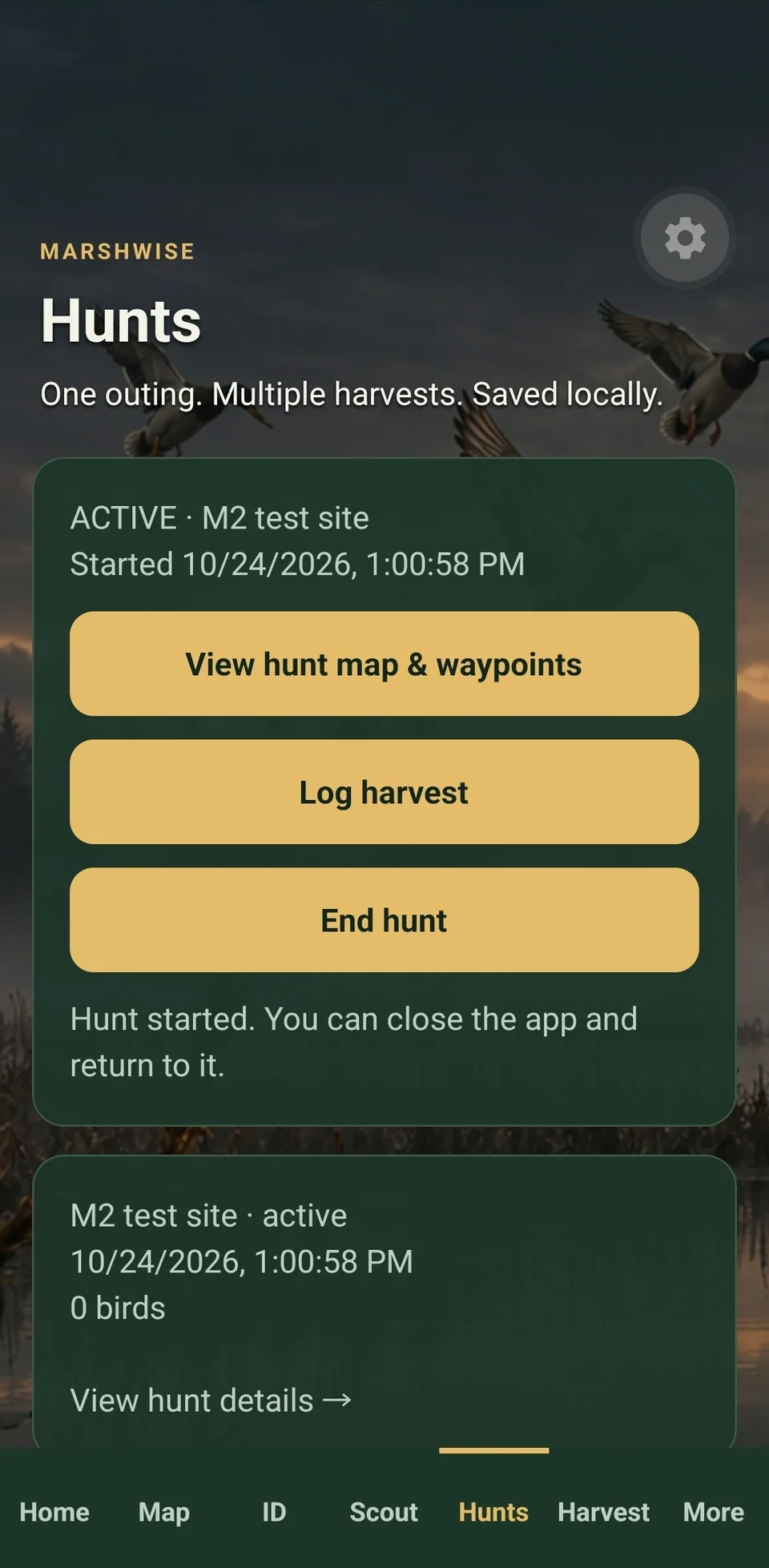
Start a hunt at a saved site. The active hunt links your harvests and can be reopened after closing the app.
Tap Start hunt. Return to Hunt when you are ready to end it.
Save or discard any unfinished harvest before ending the hunt.
Keep the birds and the details.
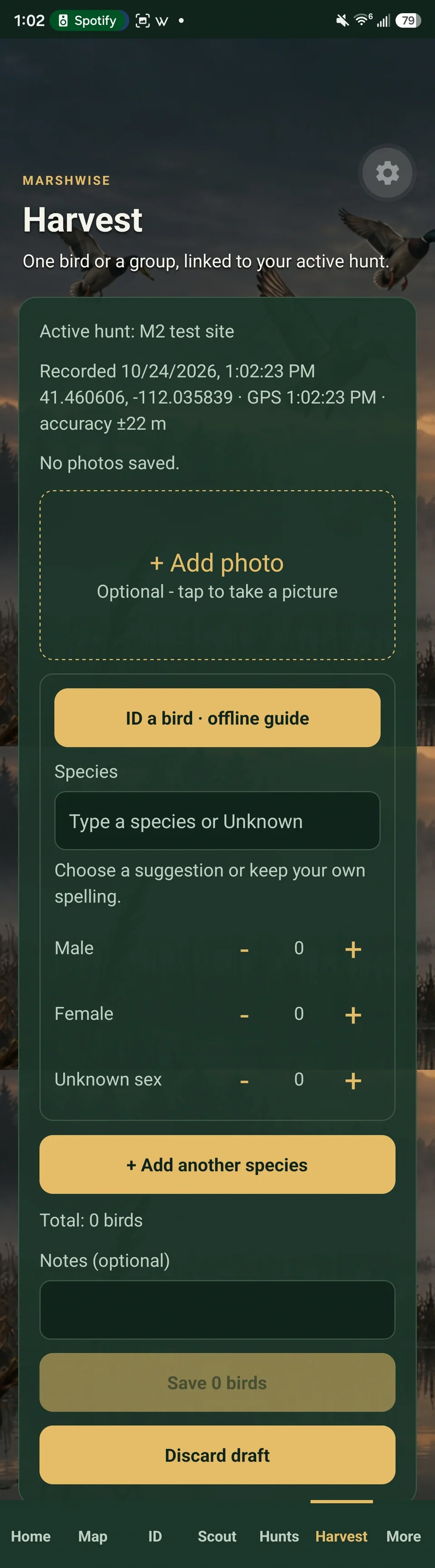
Record species and counts, add photos and notes, and keep the harvest linked to the active hunt. Time and available GPS context are captured as you log.
Tap + Record Harvest, enter the birds, then use the Save button showing the bird count.
A missing photo or unavailable GPS does not have to stop you from logging.
Check the field marks.
Use the offline bird guide to help narrow down an identification. Optional AI photo identification can offer a suggestion when online services are available.
Open Bird ID from the home menu. Review any suggestion before accepting it.
AI photo identification requires internet, sign-in, and an enabled service.
Return to your season.
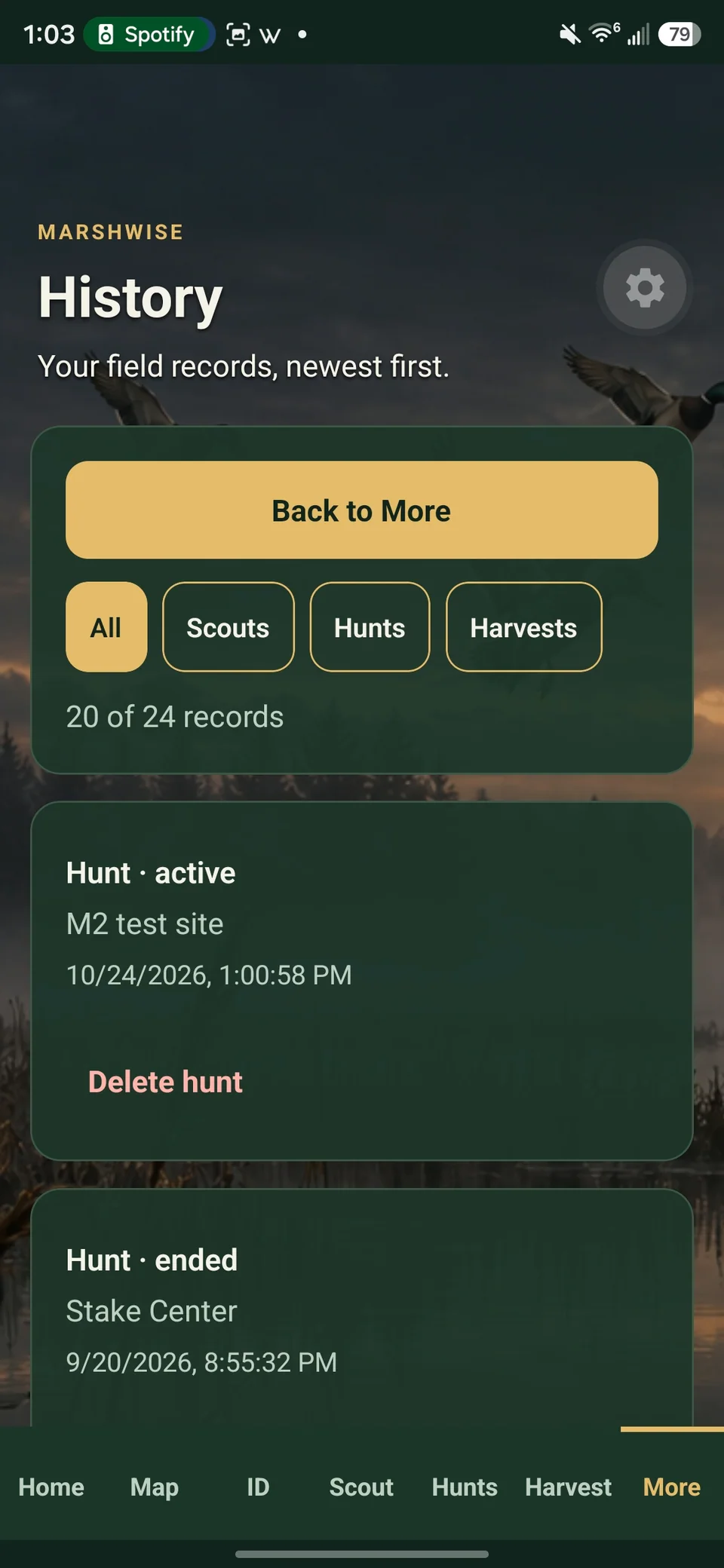
Review recent scout visits, hunts, and harvests in More. Open the full history to revisit earlier outings and their details.
Open More, then View all history when records are available.
Account, cloud uploads, and restore controls also live in More.